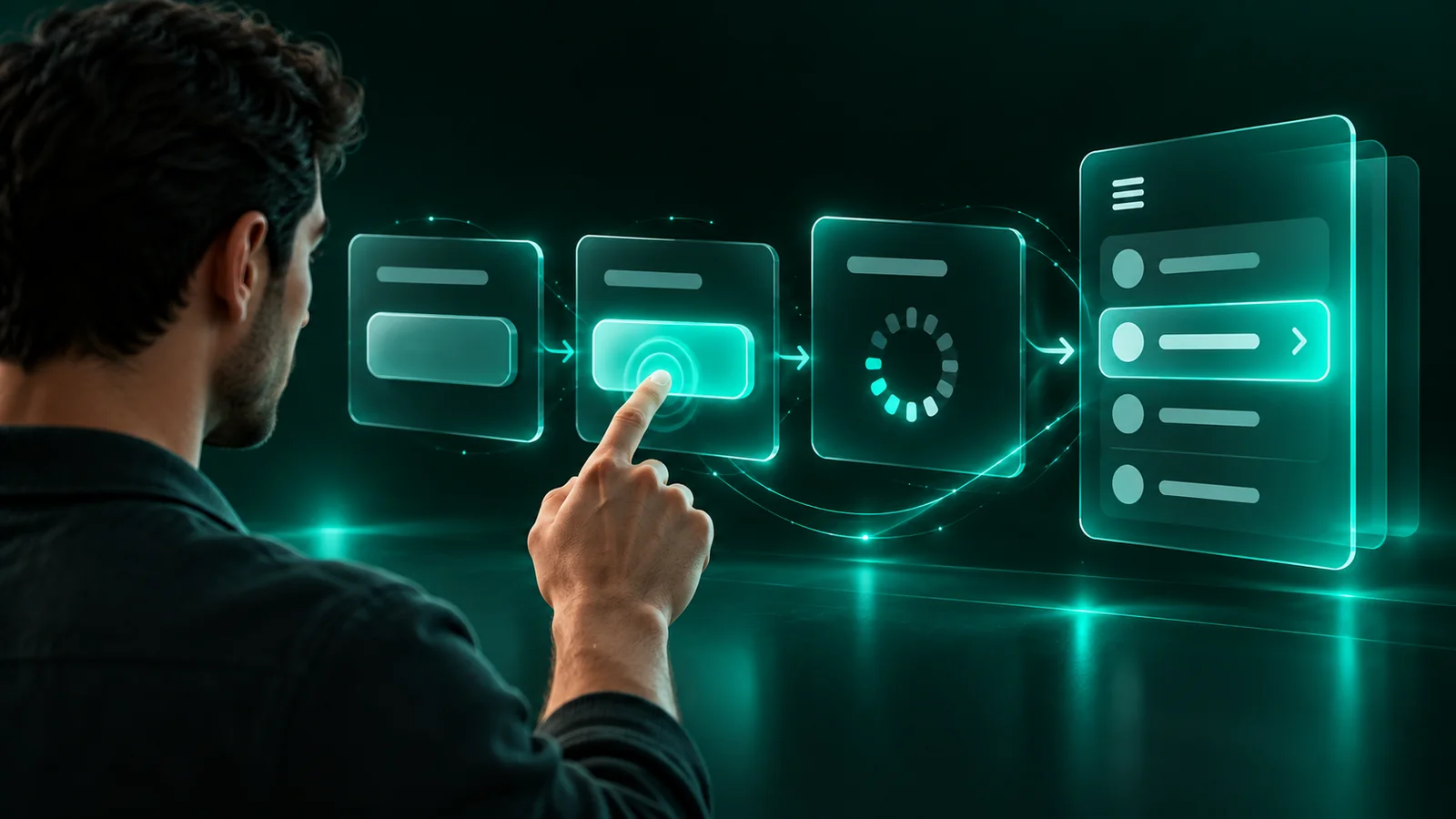
Micro-interactions are small, single-purpose animations or state changes—a button that dims on tap, a form field that turns green when valid, a cart icon that nudges when you add an item. Done well, they confirm an action, show system status, or guide the next step. They help when they answer a user's silent question; they distract when they only decorate.
The test for every micro-interaction is one question: does it reduce uncertainty? A save button that shows a spinner then a checkmark tells the user the action worked. A logo that spins on scroll tells them nothing. If you can't name the question a motion answers, cut it. On a Shopify store, the interactions that earn their place are add-to-cart feedback, quantity changes, and inline validation on checkout fields.
Keep motion fast. Functional micro-interactions should run between 100ms and 300ms—long enough to notice, short enough to feel instant. Google's Material guidelines put most UI transitions at 200-300ms; anything over 400ms starts to feel sluggish on repeat use. Use ease-out curves for elements entering and ease-in for elements leaving, so motion feels physical rather than mechanical.
Give feedback where the action happens, not somewhere else on the screen. When a user taps 'Add to cart', the confirmation should appear on or near that button—a label swap, a checkmark, a subtle scale. Firing a toast in the opposite corner makes the eye hunt for it. The closer the response is to the input, the less cognitive work the user does.
State changes matter more than flourishes. The four states worth animating on interactive elements are hover, active/pressed, loading, and success/error. These map directly to what the user needs to know: is this clickable, did my tap register, is it working, did it succeed. Get those four right before you add anything else. Most 'delightful' motion that gets cut in usability testing is motion that skipped these fundamentals.
Respect people who don't want motion. Roughly 1 in 3 users has some sensitivity to movement, and browsers expose this through the prefers-reduced-motion setting. Wrap non-essential animation in a @media (prefers-reduced-motion: reduce) query and swap it for an instant state change. Your functional feedback still fires—just without the travel. This is an accessibility requirement under WCAG 2.1, not a nicety.
Watch the performance cost. Animate only transform and opacity in CSS—these run on the GPU and stay at 60fps. Animating width, height, top, or box-shadow forces the browser to recalculate layout on every frame, which causes jank on mid-range phones. Tools like Chrome DevTools' Performance panel or Lighthouse will flag layout thrashing if you're unsure what's expensive.
The builder's rule: add micro-interactions last, and add them one at a time. Ship the working flow first, then layer in the four core states, then test on a real phone over a slow connection. If a motion doesn't survive that test—or if you catch yourself adding it because it looks impressive in a demo rather than useful in a task—remove it. Motion that helps is invisible; users only notice when it's missing or wrong.
Frequently asked
What's the ideal duration for a micro-interaction?
Most functional UI transitions should run between 100ms and 300ms. That's fast enough to feel instant on repeat use but slow enough for the user to register the change.
Do micro-interactions slow down my website?
Not if you animate only transform and opacity, which run on the GPU at 60fps. Animating layout properties like width or top forces recalculations that cause jank on slower phones.
Which micro-interactions matter most for a Shopify store?
Prioritize add-to-cart feedback, quantity updates, and inline validation on checkout fields. These reduce uncertainty at the moments where hesitation costs you conversions.
How do I make animations accessible?
Wrap non-essential motion in a prefers-reduced-motion media query and replace it with an instant state change. This is a WCAG 2.1 requirement, since about a third of users have some motion sensitivity.
Free, concrete, yours to keep
Want this done for you — properly?
Tell us about your website and the problem you want to solve. We reply within 24 hours to discuss fit and next steps.